https://helpdesk.membersuite.com/kb/article/6964-mfa-login/
Navigate to Admin user profile. Click on username in top right corner. Navigate to
“Manage Users”
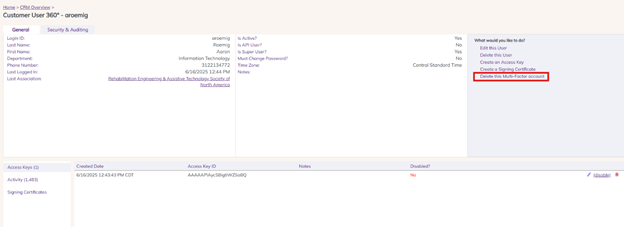
Delete this Multi-Factor account to reset.
Was this article helpful?
That’s Great!
Thank you for your feedback
Sorry! We couldn't be helpful
Thank you for your feedback
Feedback sent
We appreciate your effort and will try to fix the article