Setting up a user account to Edit DNN site in Rhythm.
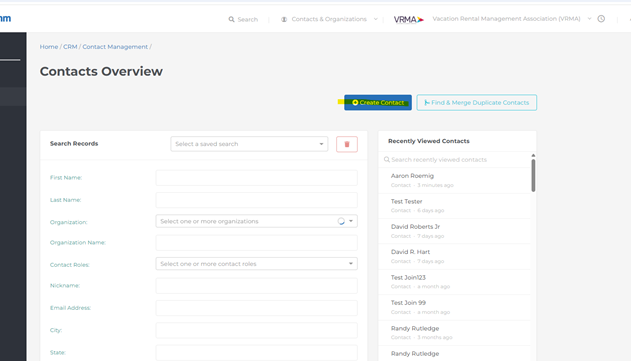
- Create Contact>
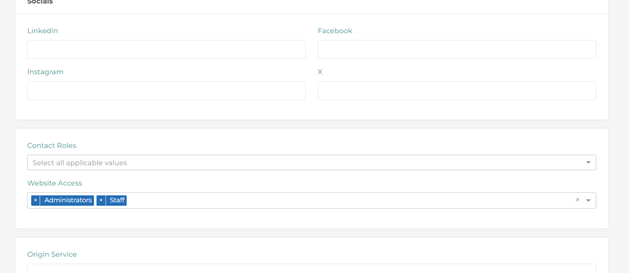
- Fill out Info (name, email, add to smithbucklin) and Add Admin / Staff for Website Access>
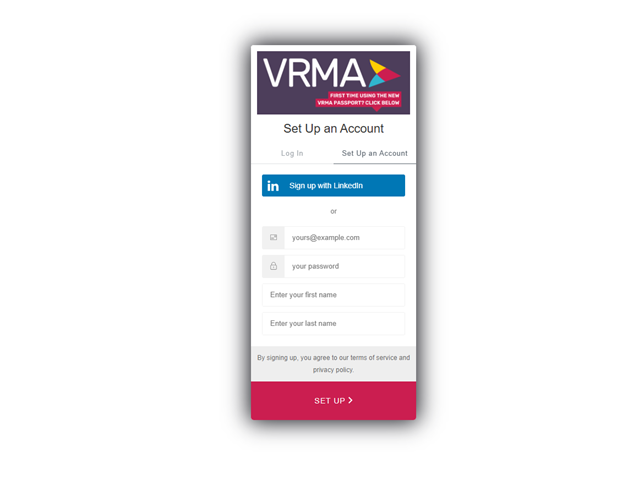
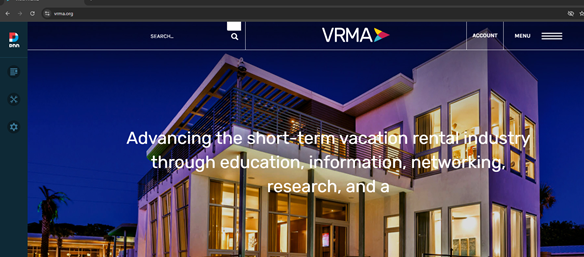
- Open incognito window. Go to main site and click login button to create a profile using contacts information. First and Last name and Email.
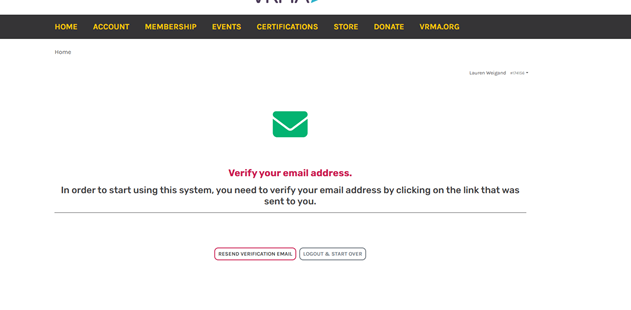
- Verify email. Go back to Rhythm, CRM tab>Security, Click verify email button.
- If step 4 does not show verify email button under the Security tab then reach out to User Support for help resetting -
- Open an incognito window. Login as user. Should be able to edit DNN page.
1.
2.
3.
4.
6.
Was this article helpful?
That’s Great!
Thank you for your feedback
Sorry! We couldn't be helpful
Thank you for your feedback
Feedback sent
We appreciate your effort and will try to fix the article