DNN Admin Account Setup Standalone Non-SSO
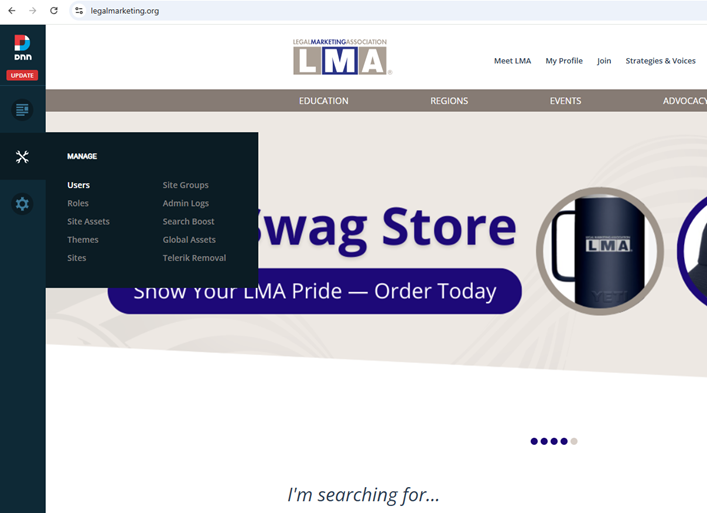
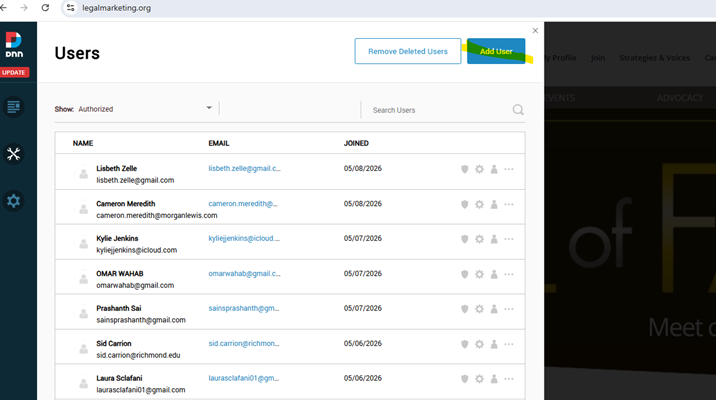
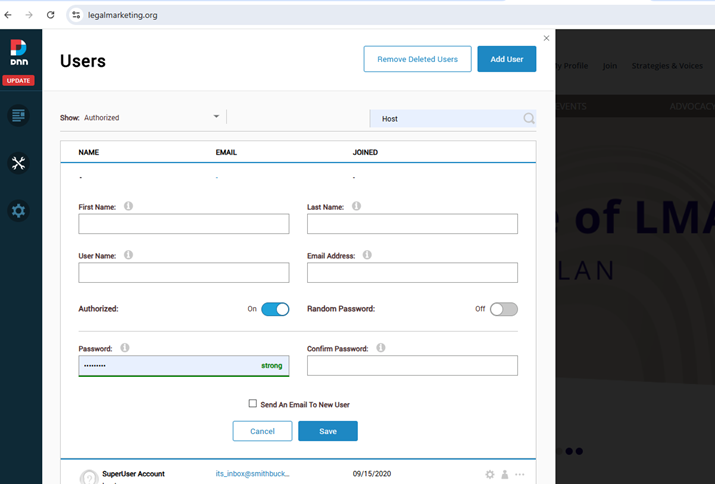
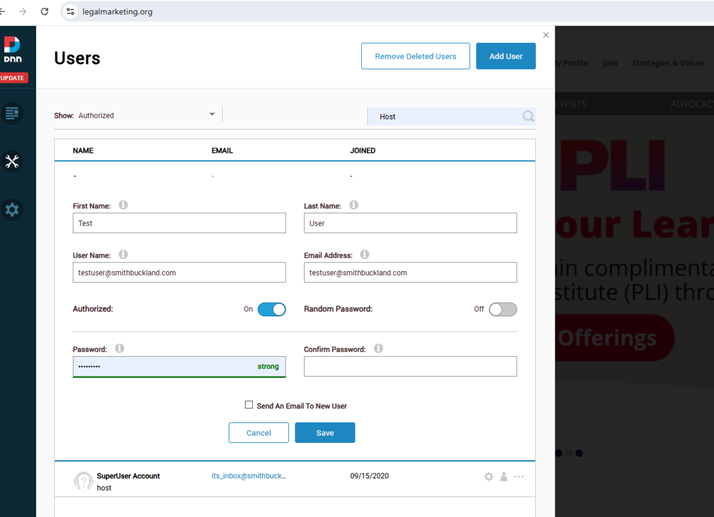
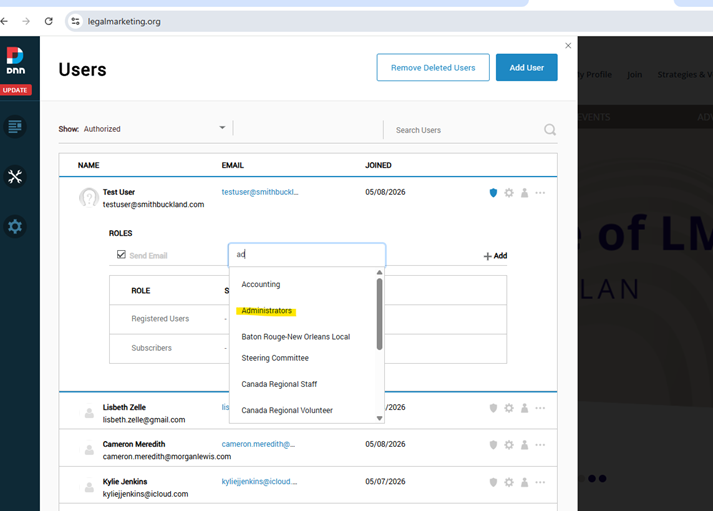
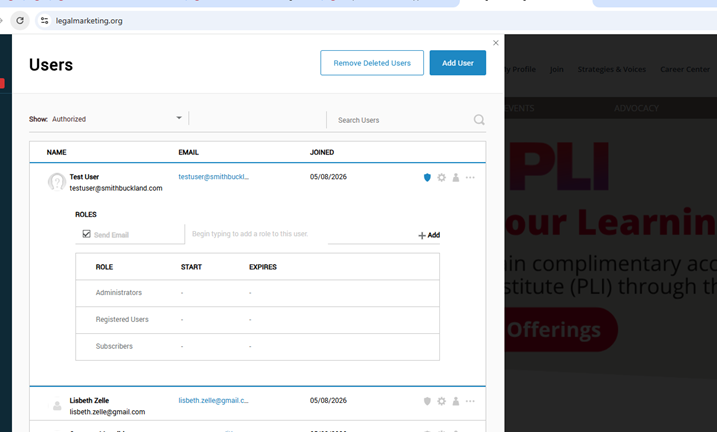
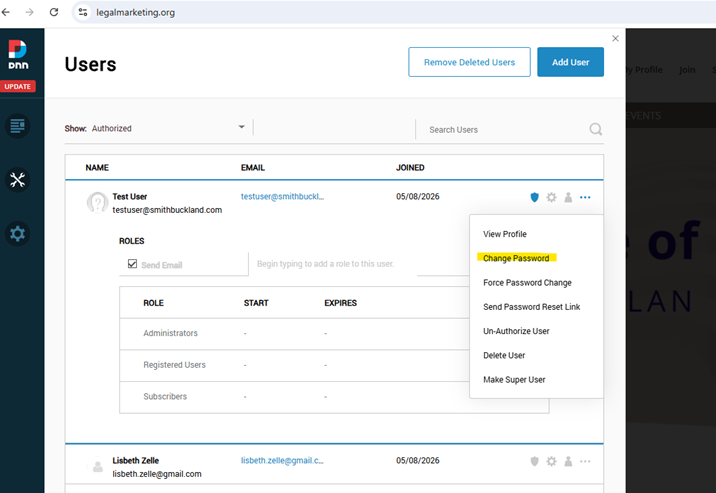
- Manage > Users > Add User > Fill out User information > Add “Administrator” role > Change Password > Test credentials Incognito Window > Log in via the hidden link in the footer (Ctrl&A)
Was this article helpful?
That’s Great!
Thank you for your feedback
Sorry! We couldn't be helpful
Thank you for your feedback
Feedback sent
We appreciate your effort and will try to fix the article