- Add new document to Documents & Papers >>>> File Cabinets >>> Purchased_Publications
- Locate Product in Orders & Inventory >>>> Merchandise
- Choose Edit Merchandise
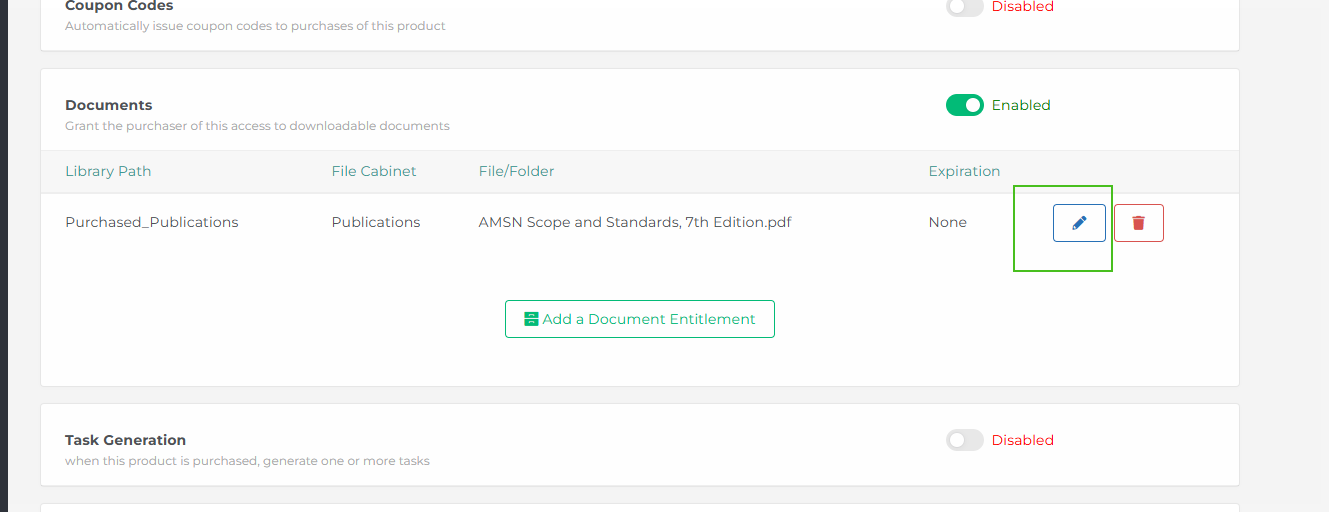
- Scroll down to documents
- Click the edit pencil & update file path to newly uploaded document.
- Click Save Changes at the bottom.
Was this article helpful?
That’s Great!
Thank you for your feedback
Sorry! We couldn't be helpful
Thank you for your feedback
Feedback sent
We appreciate your effort and will try to fix the article