In the DNN forms module, when users complete the form, this default message is displayed:

To update this message, go to the Management Center, which you access from the right-side corner of the module, where the “edit” option is usually located: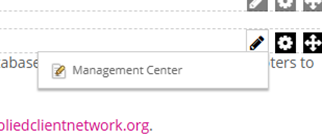
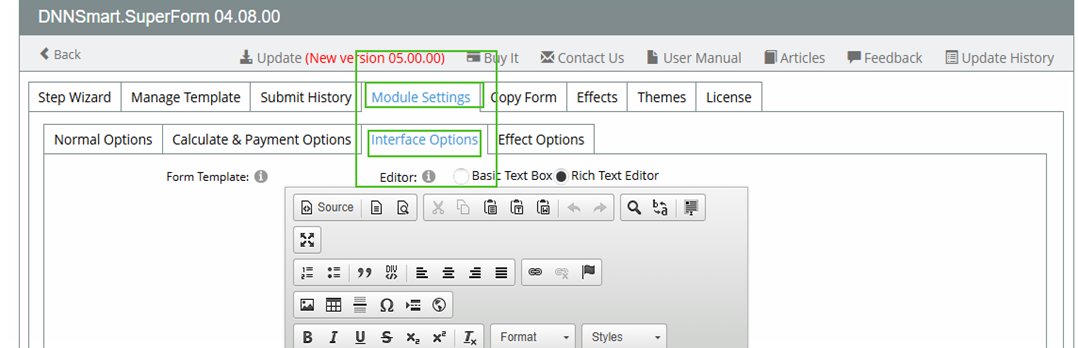
Choose the Module Settings tab, then Interface Options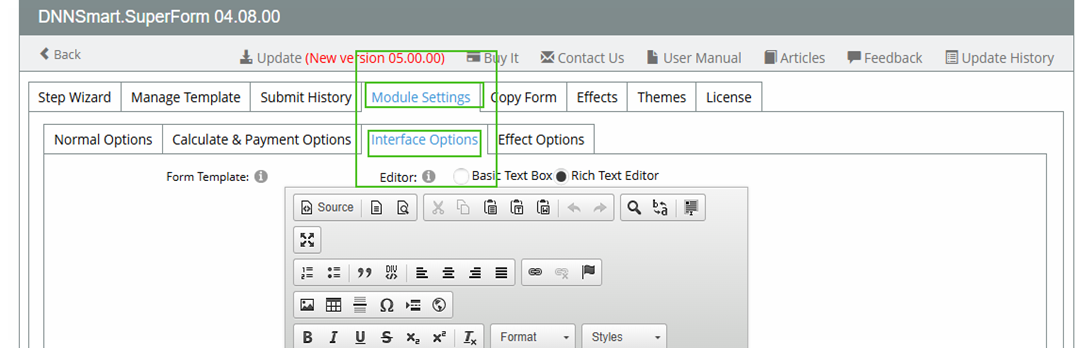
The 2nd WYSWG Module from the top is called Submit Result. It looks blank-
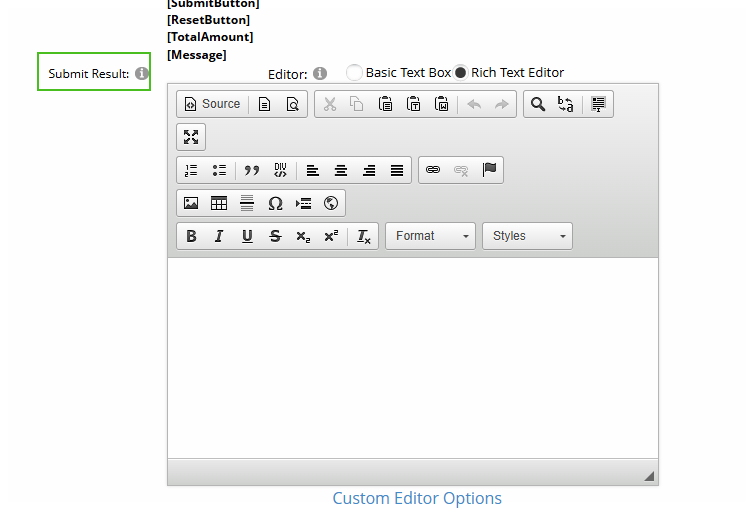
But if you view the source code, you can see the red success message-
You can replace this text with text of your choice. Treat this like any other HTML module; you can put whatever content you want within this module. Some associations include links to downloadable content, or links to other pages.
But you are not limited to displaying text/content upon form completion.
If we go back to Module Settings and choose Normal Options, we can see Redirect Type under Basic Settings-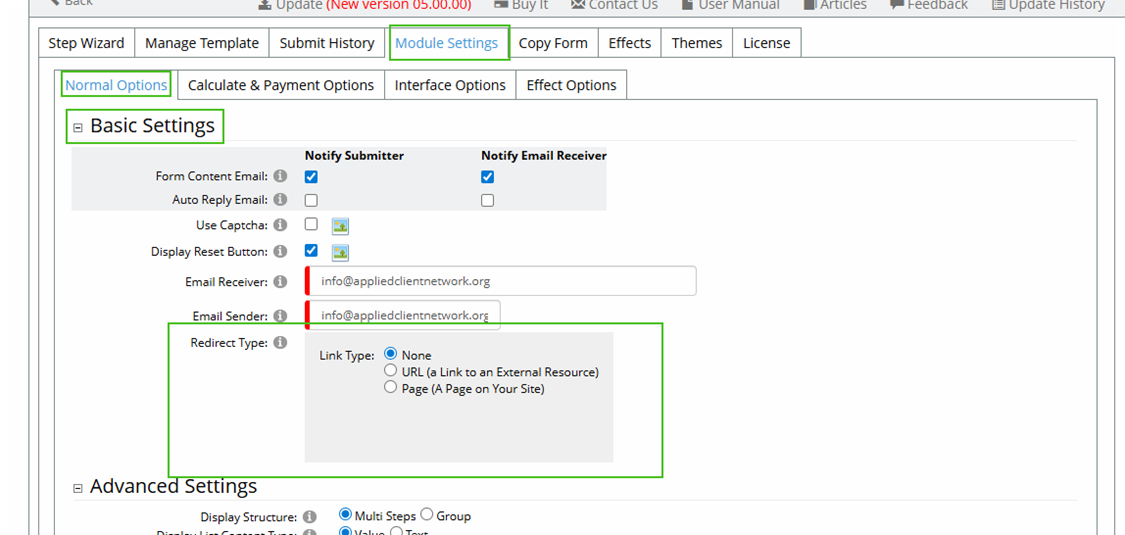
These settings determine what happens when a form is completed.
- Link Type: None
This setting displays the success message that we covered earlier in this document.
- Link Type: URL
Choose this option if you want users to be redirected to an external page upon completion.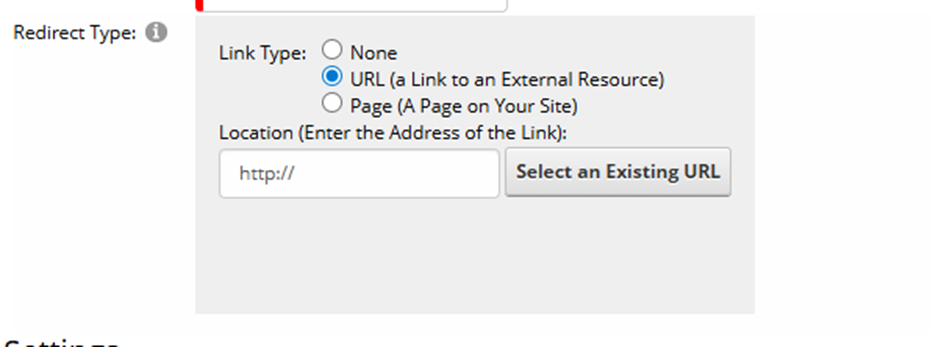
- Link Type: Page
Choose this option if you want users to be redirected to another page on your website. Click the dropdown arrow for a listing of all the pages on your website and choose the page you want to redirect the user to upon completion.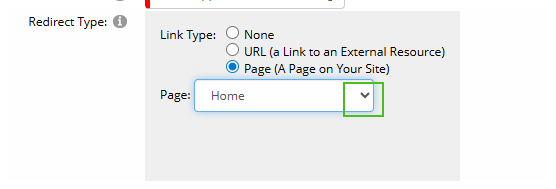
Was this article helpful?
That’s Great!
Thank you for your feedback
Sorry! We couldn't be helpful
Thank you for your feedback
Feedback sent
We appreciate your effort and will try to fix the article